Dawarich iOS app 2.2.85 is now released 
There are lots of changes for iOS users:
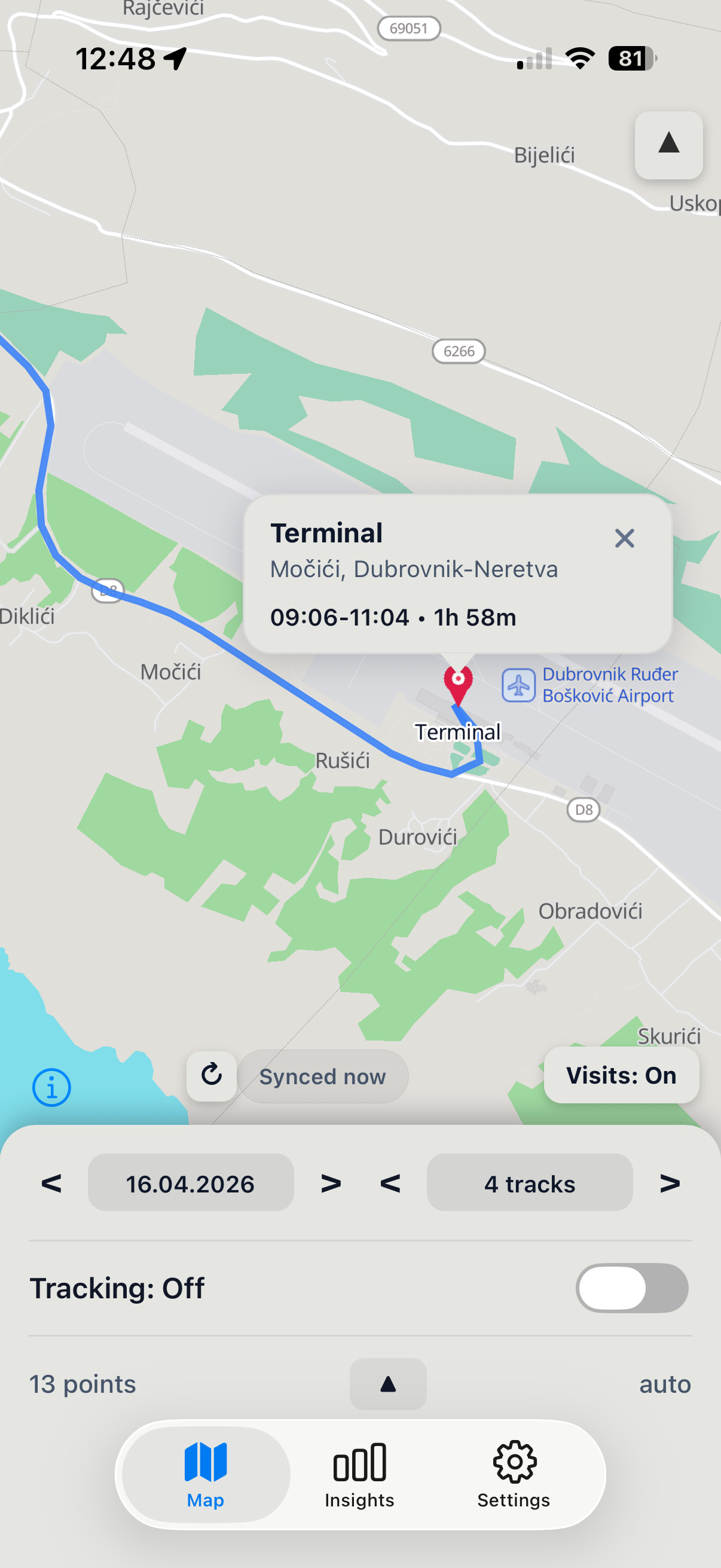
- New UI, including the map itself. It also adapts to the dark mode now. It is in reality completely new application, but all existing features are preserved, and some more added.
 Warning: the app needs to migrate the database on the first launch after update. Please open it once to complete the migration. Also correct location tracking permissions (“always” authorization) need to be set before starting tracking. If tracking is started using Shortcuts, it may fail without opening the app first.
-
Downloading tracking history from the Dawarich server. It will be loaded from the server automatically when you change the dates in the app. If the history was already loaded during the past hour, it will not be reloaded automatically, but there is a reload button just in case

-
Detected visits can now be clicked and show the place name or address and duration. Visits detection was also improved a little bit. The system sends two visits for one place: on arriving and on departing, and those visits are now combined into one.
-
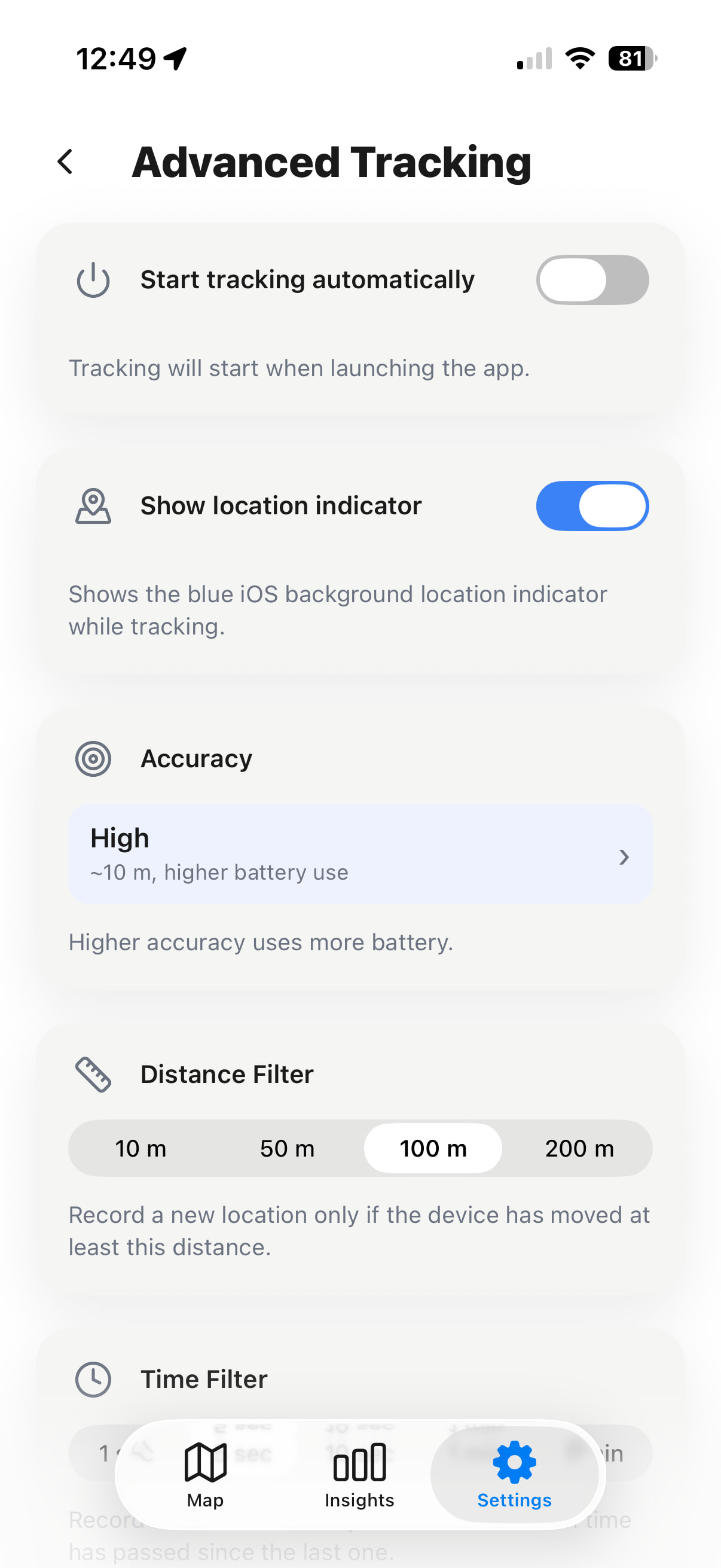
Ability to turn off blue location indicator

-
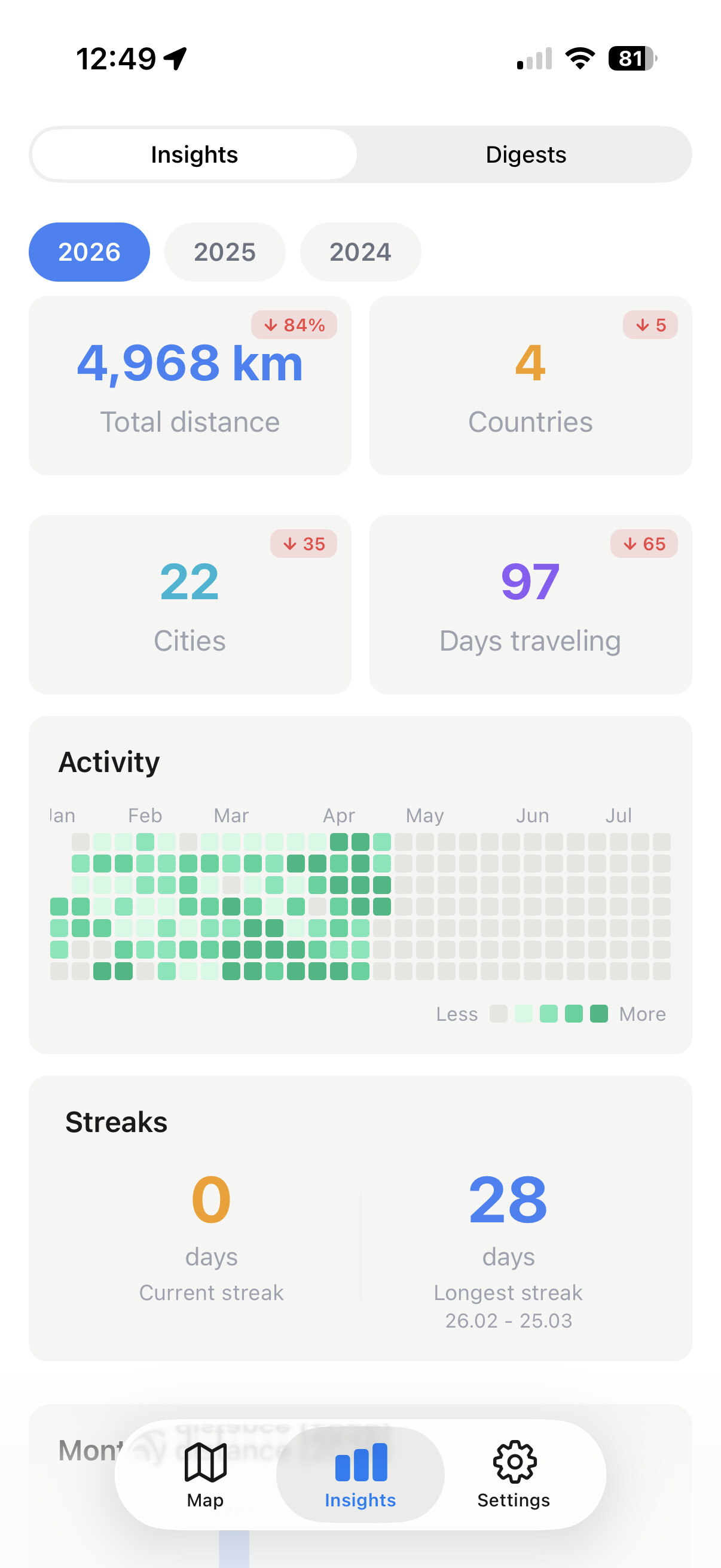
Insights and digests - cool and fun statistics about your past trips, as seen on Dawarich server. A recent server version (1.2.0 or newer) is needed for this.
-
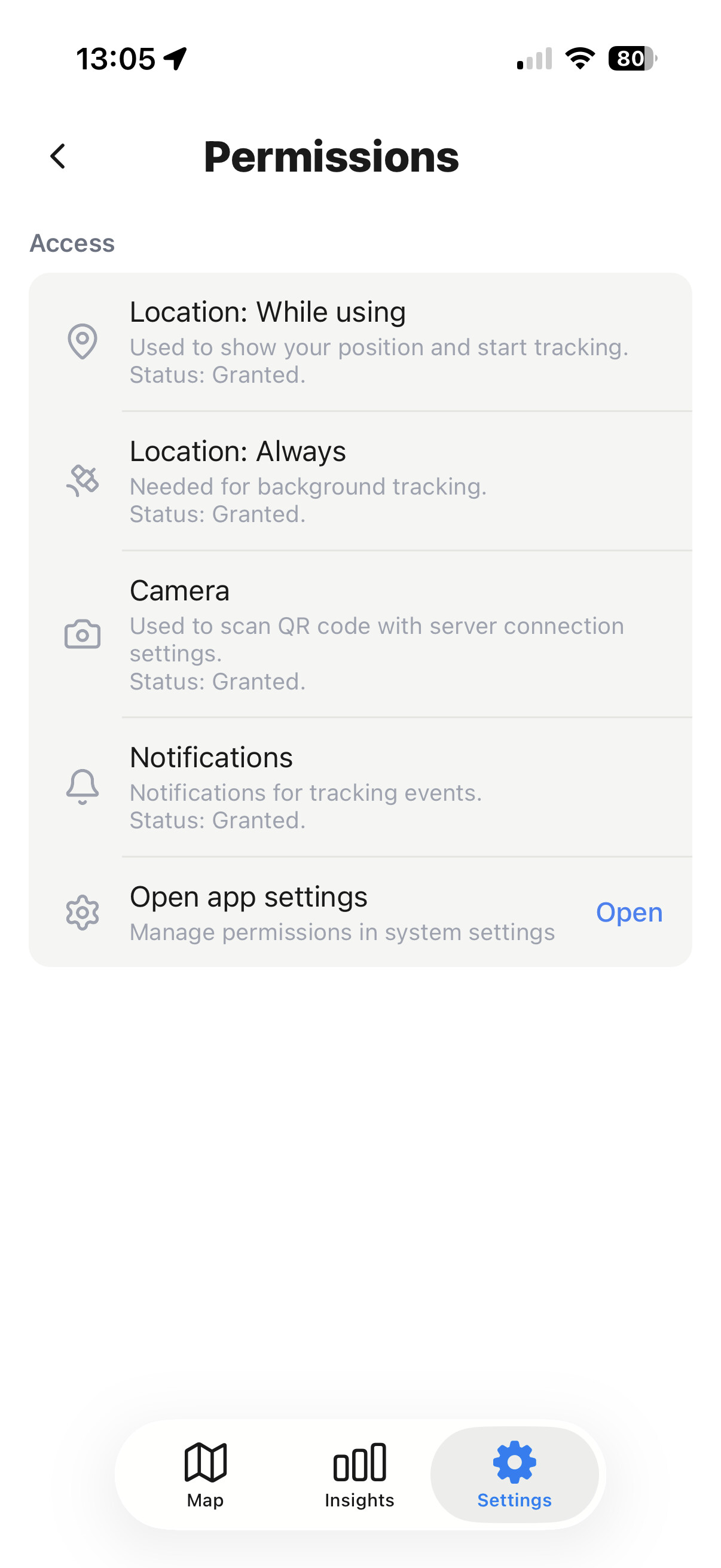
A new screen in settings to check app’s permissions and grant missing ones.
-
Ability to set location tracking accuracy - this is a hint to the system, you might need to experiment with this setting. Setting higher accuracy may lead to less points tracked and/or to higher battery consumption.
Please try this release and tell me what you think. More updates are coming!